
The GC550 is compatible with BWC Manager V3.0.20.000, which can be downloaded here - https://hidrive.ionos.com/share/i-xztjfbvf
The default username and password will be provided by the Speak-IT service team.
If the device does not seem to connect, please try the below:
-
Check your Device Manager for this entry:

If this device does not appear as above (likely Amba ***), identify the device (easiest way to identify is to unplug/plug in the device and see what entry disappears/reappears in your Device Manager). -
Download and extract the correct device drivers: https://hidrive.ionos.com/share/6j3biyw14w
-
Find the incorrectly labelled device - Right click > properties
-
Go to 'driver' tab
-
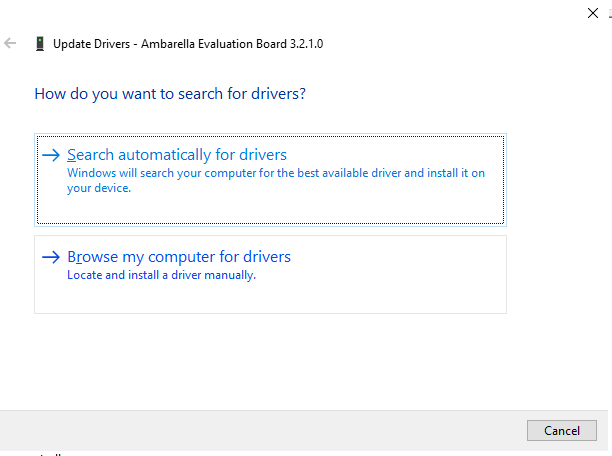
Click 'update driver'
-
Click 'Browse my computer for drivers'
-
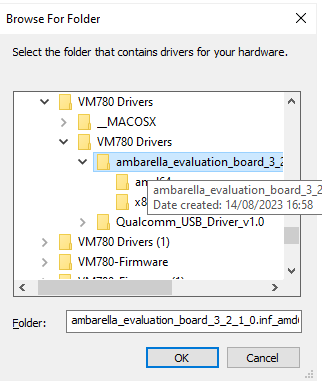
Find the extracted folder and click OK:
-
Click 'OK' on the next step - the device should now appear as below:
-
Unplug device, reload BWC Manager, and try again. Device should connect upon the correct password entry.