Microphone no longer detected by Dragon Professional Individual
In Windows 11, there is a setting in sound devices that can make an application take exclusive control of a microphone. To switch this setting of:
-
Go to Start
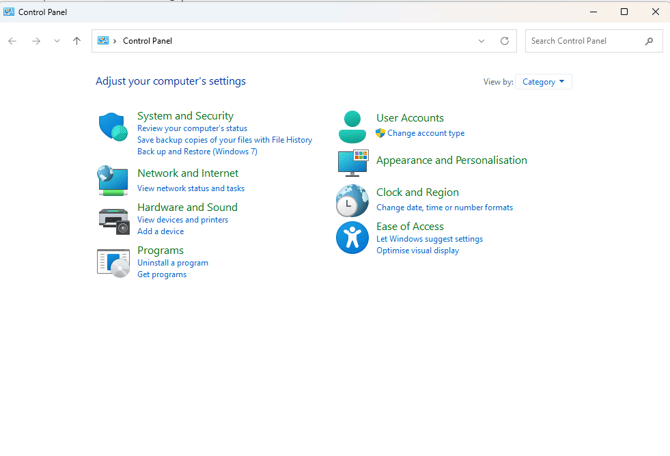
- Type in 'Control Panel'
- Open the Control Panel
- Click Hardware and Sound
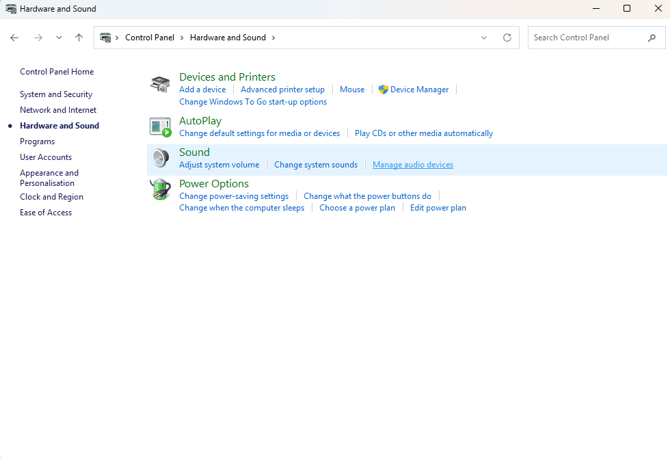
- Go to Manage audio devices
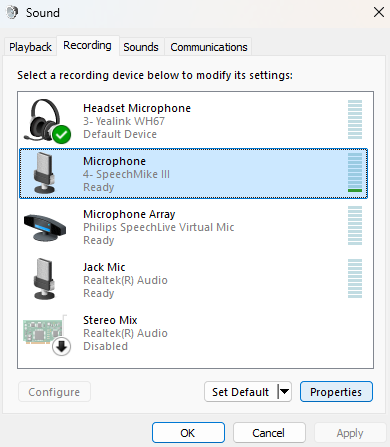
- Go to the Recording tab, select the microphone and click Properties
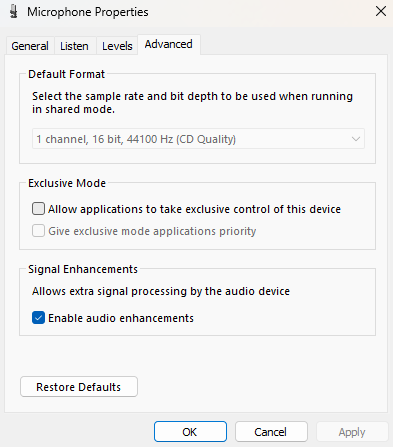
- Select Advanced, and deselect 'Allow applications to take exclusive control of this device under Exclusive Mode