The below image is what you will use to navigate the menu
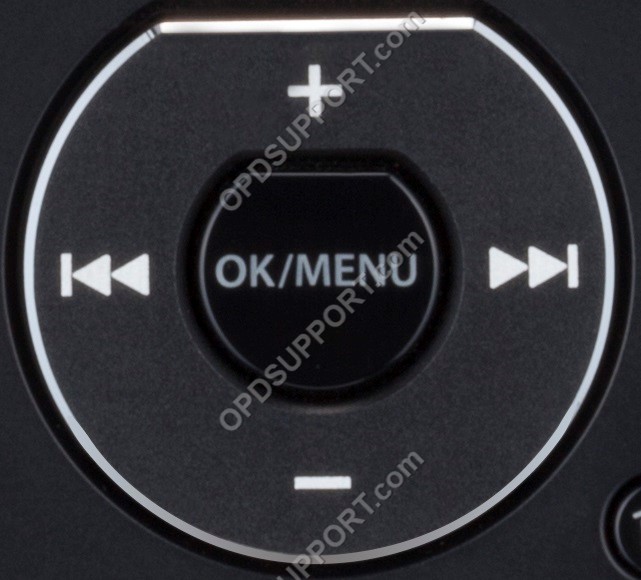
- Press “OK/Menu” to open the Menu.
- Press “-” to navigate to the Device Menu and press “OK/Menu”
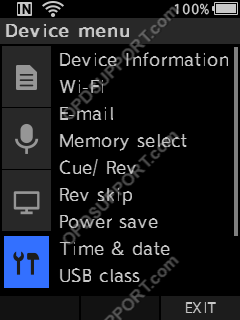
- Press “–” to scroll down to Reset Settings and press “OK/Menu”.
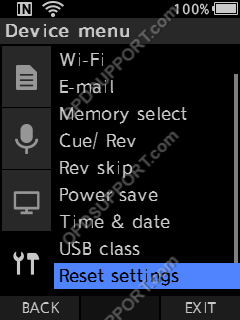
- Press “+” to select Start and press “OK/Menu”.
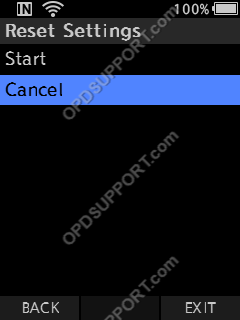
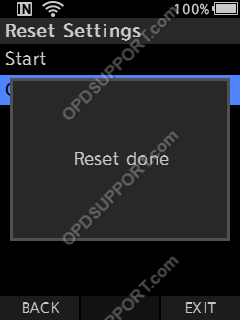
- Once complete it will show display Reset Done.