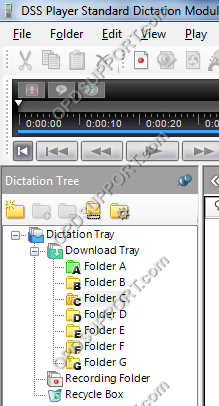
Mapping folders provide a means for an author to send dictations to typists over a network. A shared folder structure is required.
- Go to Tools > Options.
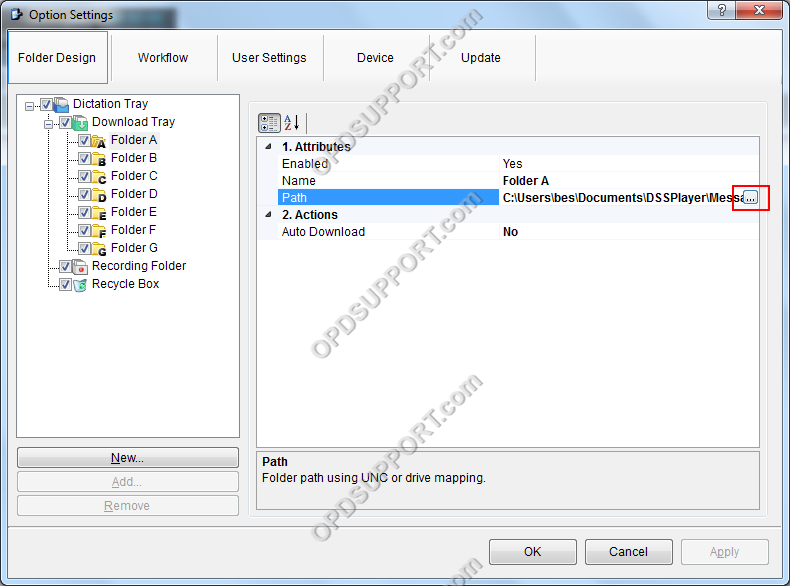
- In Folder Design select a folder to redirect and click “…” button to change the path.
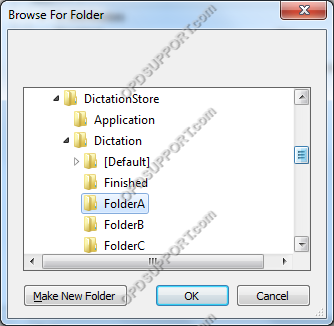
- Then locate the network server and select a folder for the dictations to go to and click OK. If a folder hasn’t been created yet then click Make New Folder and give the folder a name and click OK.
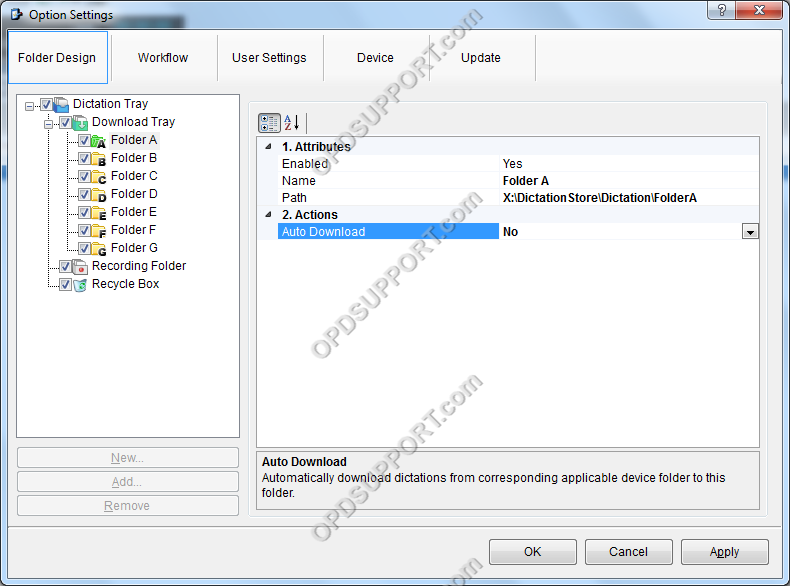
- The folder path has changed to the path you set click OK.
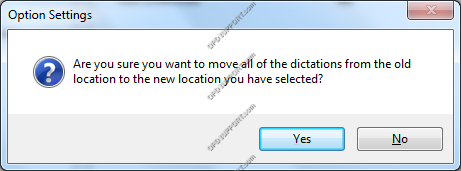
- If you have dictations in the old location that’s needs to be moved to the new one then click Yes otherwise click No.
- The folder will turn green to indicate the folder path has been redirected to the folder on the network.