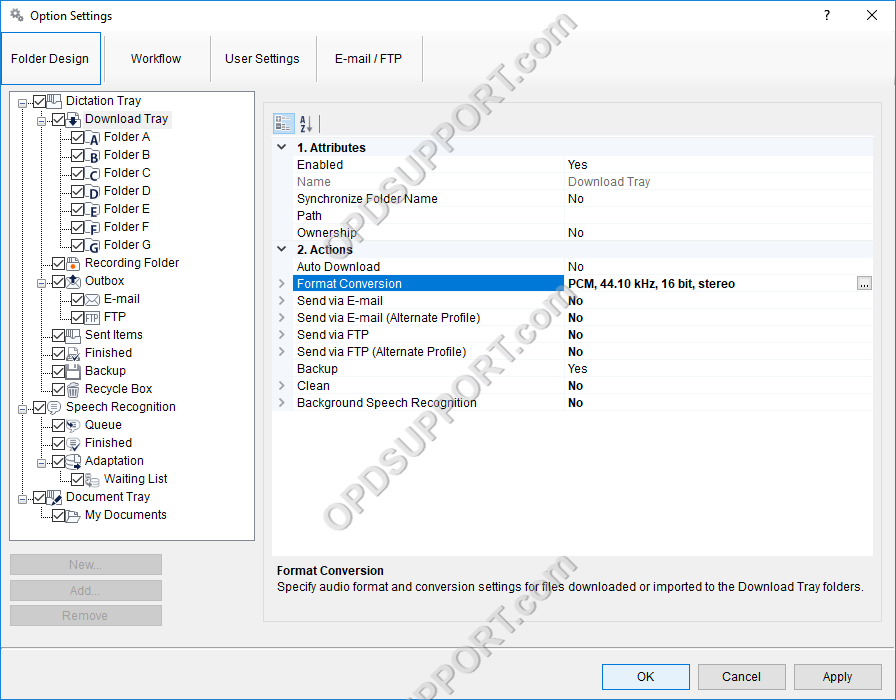
The software can be set up to automatically convert a file to a different format, once it has been downloaded. Formats a user can convert to using this feature: DSS, DS2, WAV & WMA.
How to enable Auto Convert
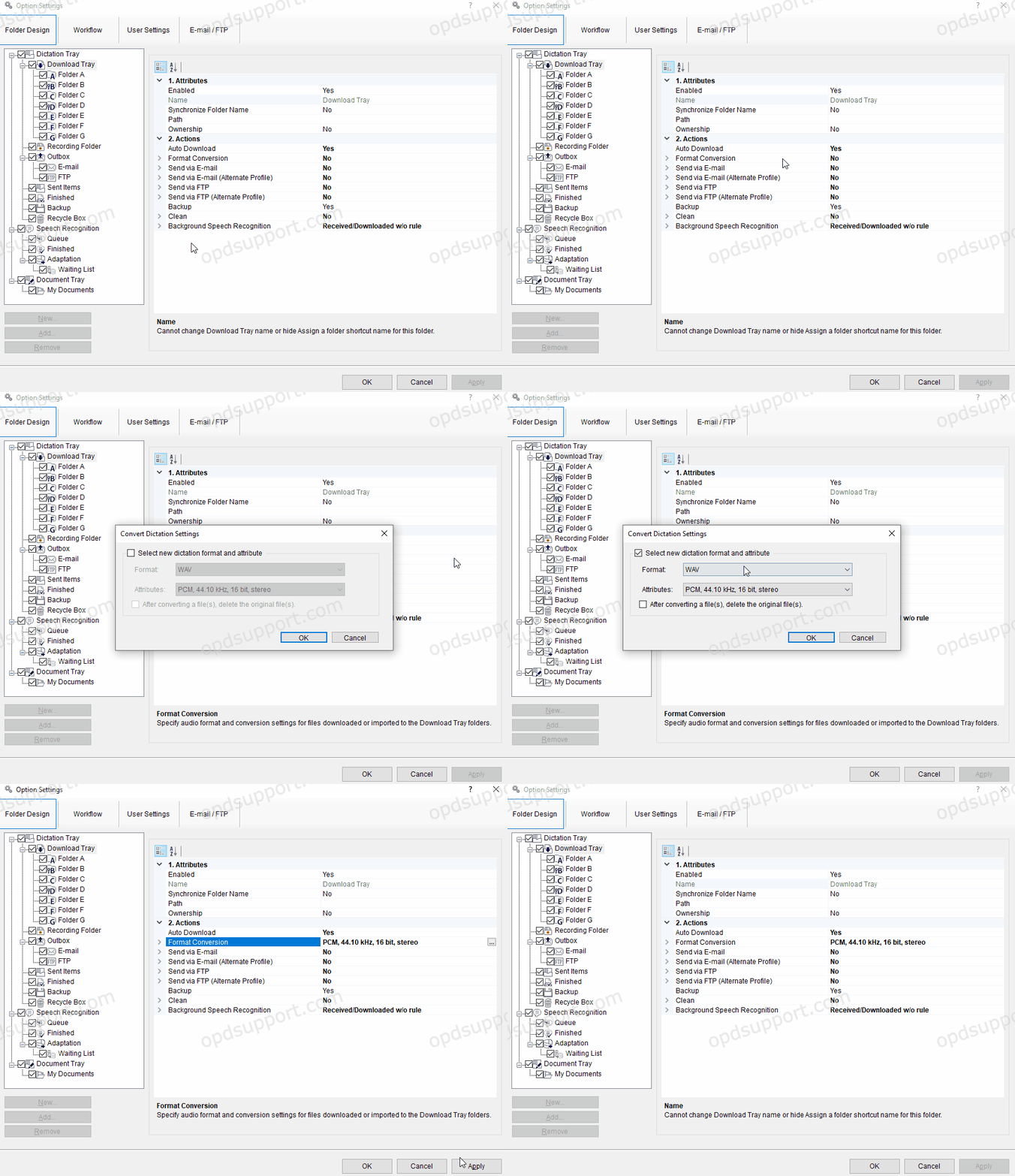
- Go to Tools > Options > Folder Design > Select a folder for which to enable the feature
- Note: Selecting Download Tray will automatically apply the setting to Folders A-G. This can save time configuring the setting for each folder.
- Select Format Conversion and click the “…” button
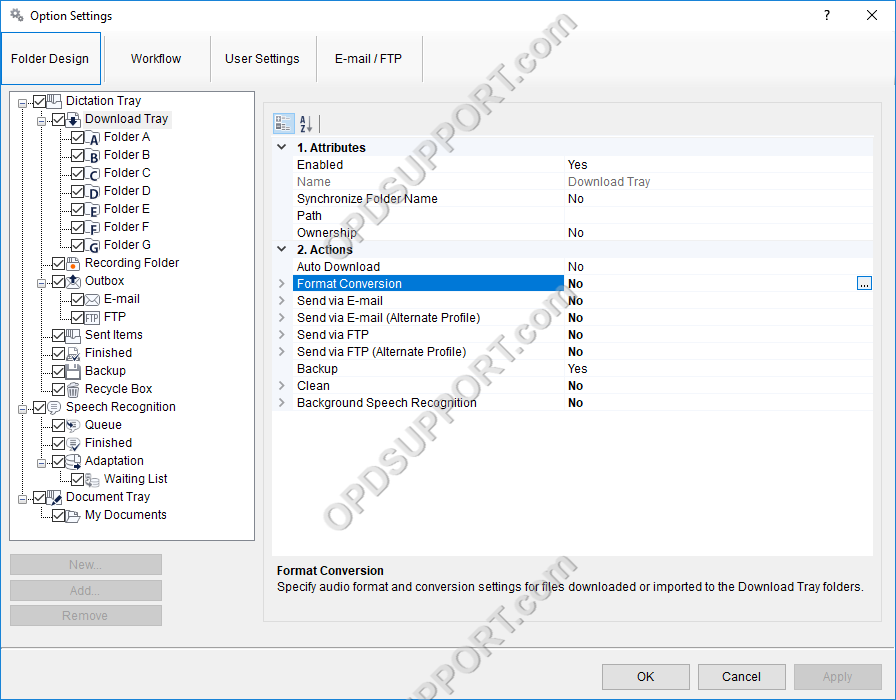
- Select the format and audio quality in which to convert the files
- It is also possible to specify whether the original file should be deleted once the file has been converted successfully. Click OK to close the dialogue box
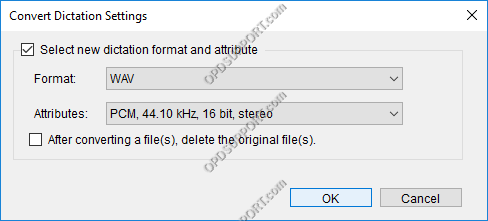
- Click Apply/OK