
The pro software will keep a backup copy of every dictation downloaded in the Backup folder. This guide will go through enabling/disabling the feature, changing the location of the backup folder and automatically purging files in this folder after a period of time.
Enabling/Disabling the Backup feature
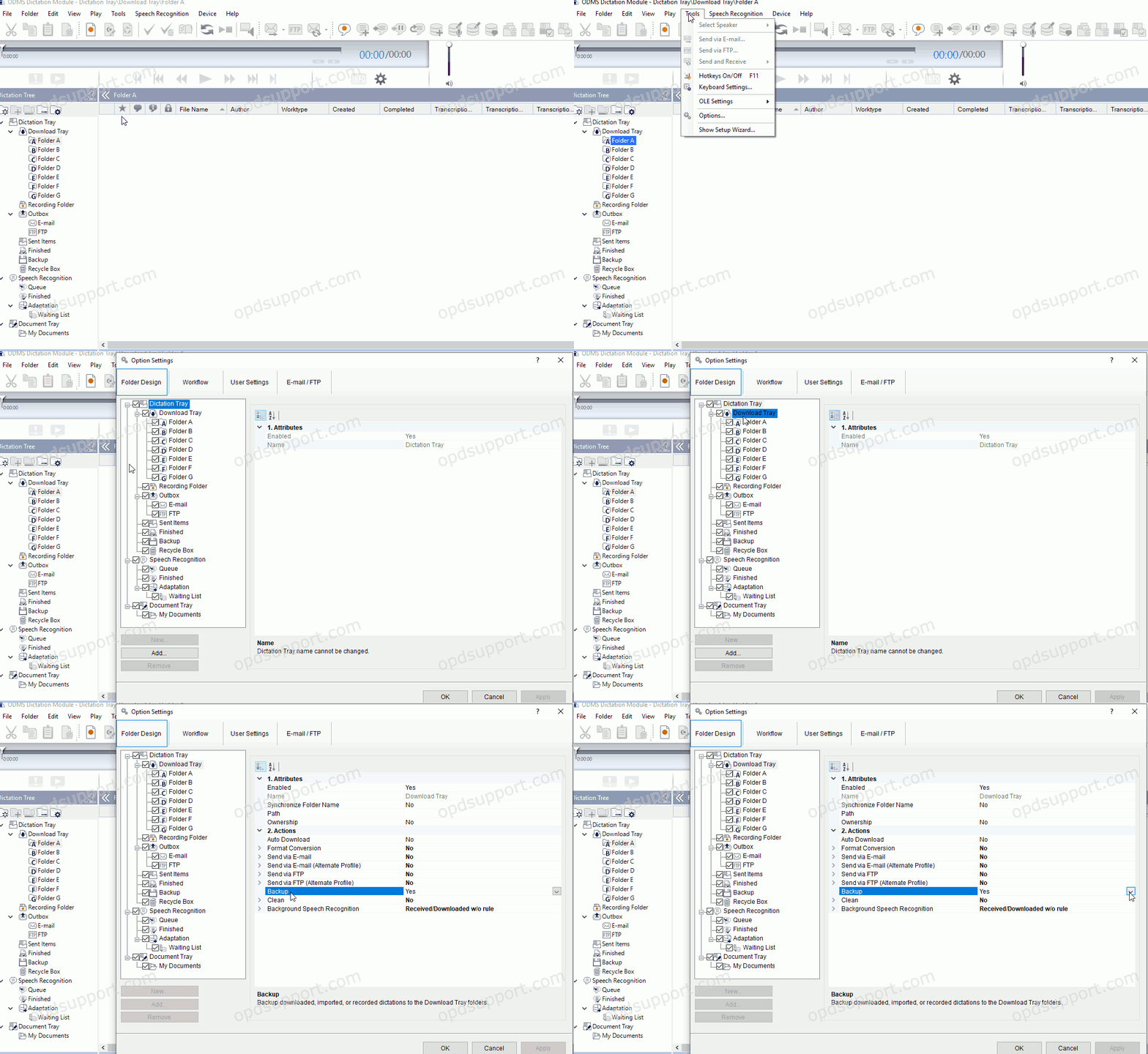
By default, the backup folder is already enabled. To disable:
- Go to Tools > Options… > Folder Design > Download Tray
- Note: Selecting Download Tray will automatically apply the setting to Folders A-G. This can save time configuring the setting for each folder.
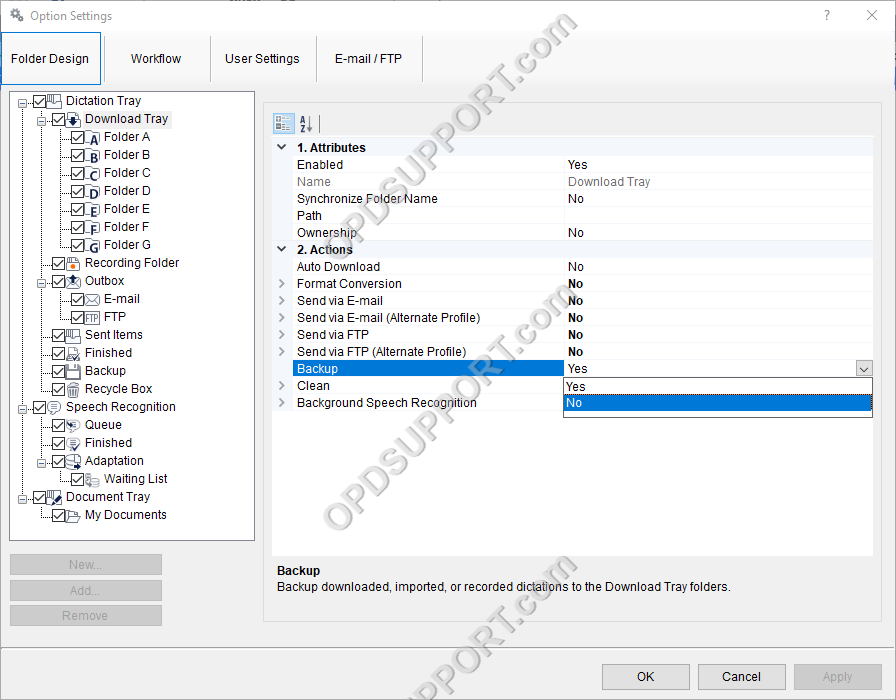
- Disable Backup
- The Backup folder can then also be disabled at this point. Select the Backup folder.
- Set to No, to disable.
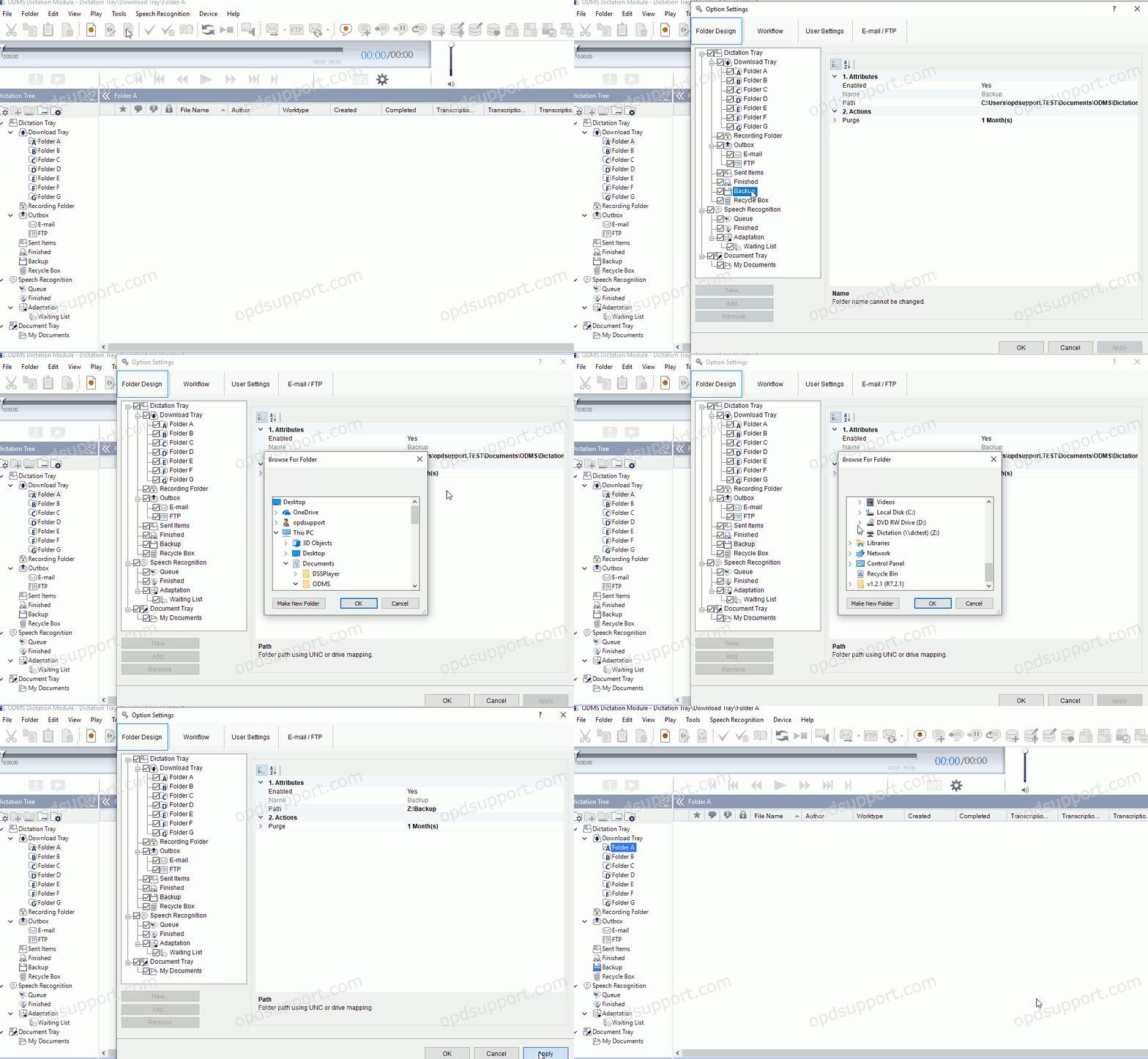
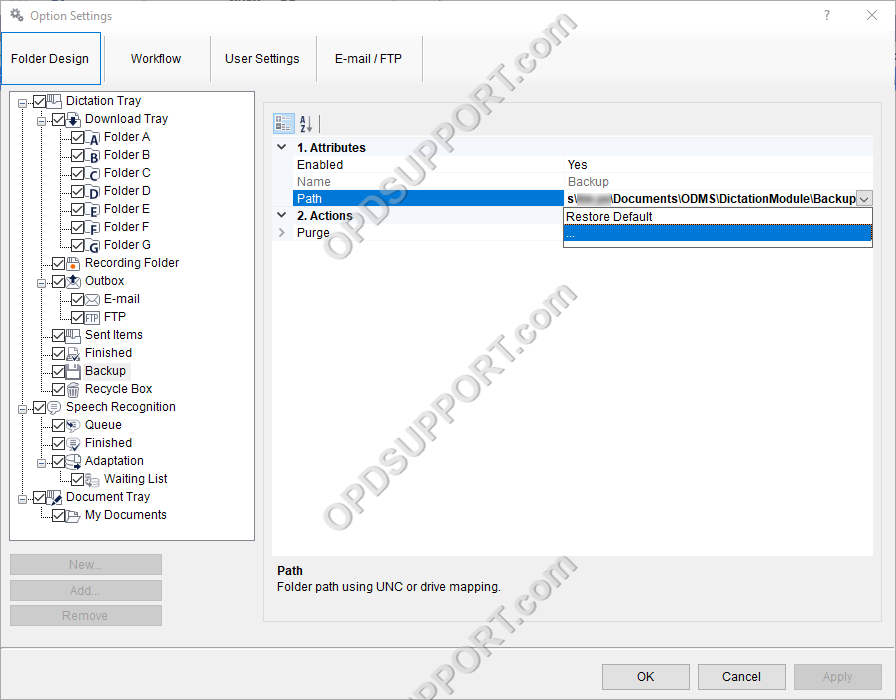
To set the path, you can either:
- Type/paste the location in the path field
- Click in to the Path field
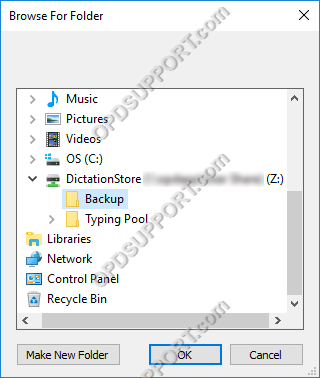
- Click on the arrow and then the “…” button to open the browser which will allow you to find your desired location.
- Select the folder
- Click OK.
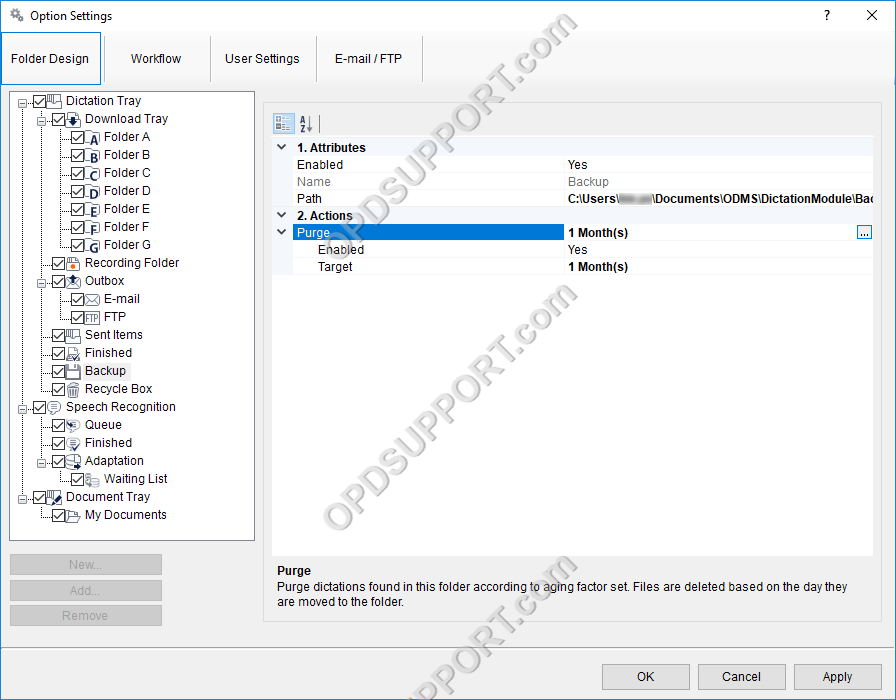
Enabling the Purge feature:
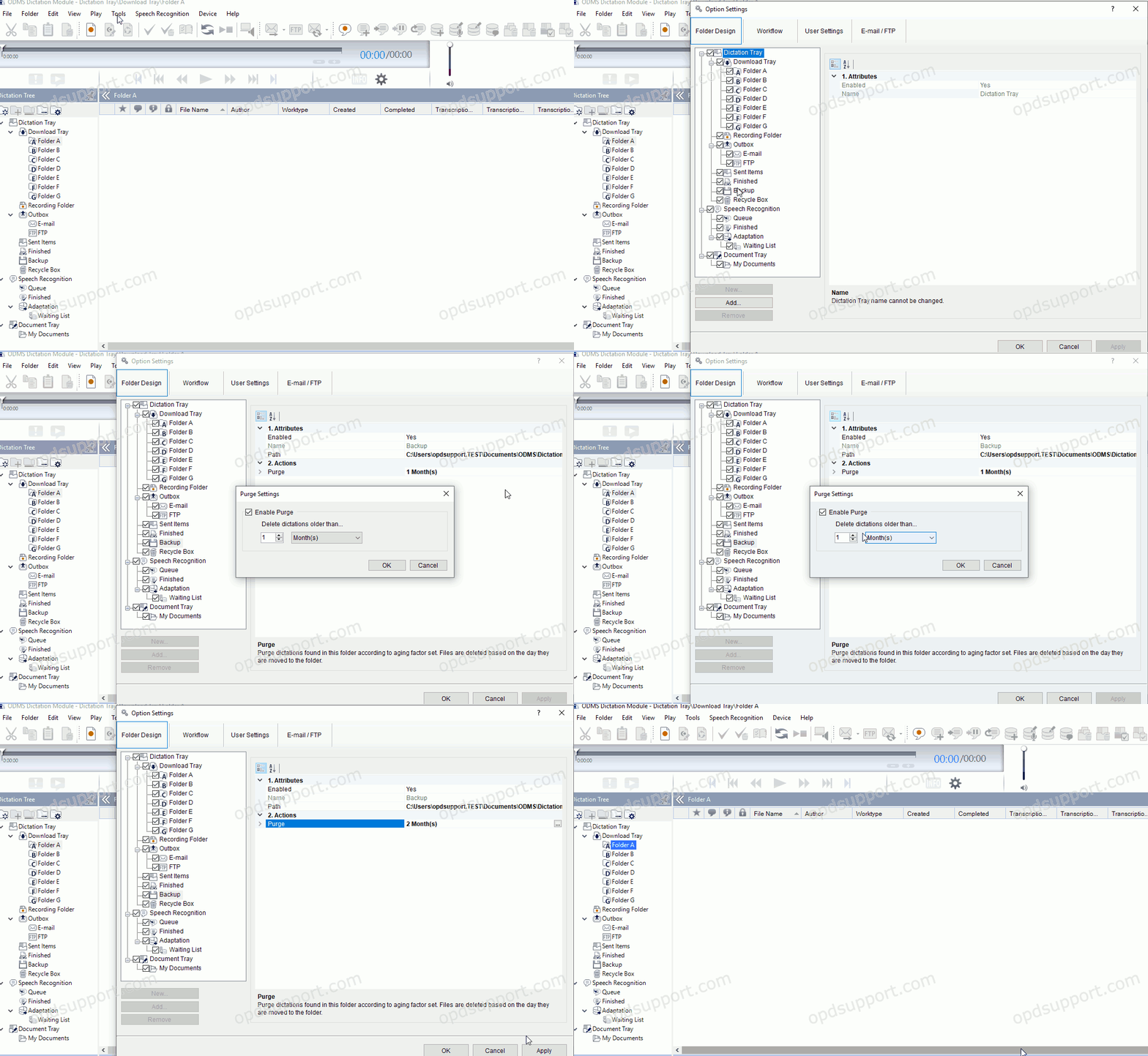
- Click in to the Purge field field
- Click on the “…” button.
- Set the interval at which to purge the files in the backup folder
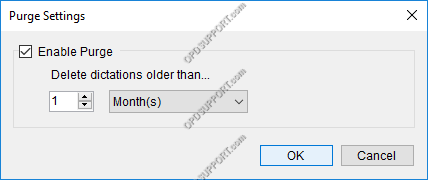
- Click “OK”.