
This article goes through how to configure the Device Detector setting.
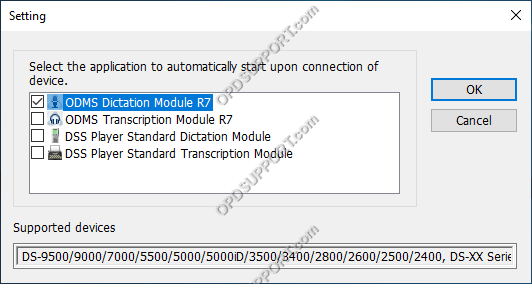
This allows you to select an application to automatically launch when a device is connected or to disable the automatic launch.
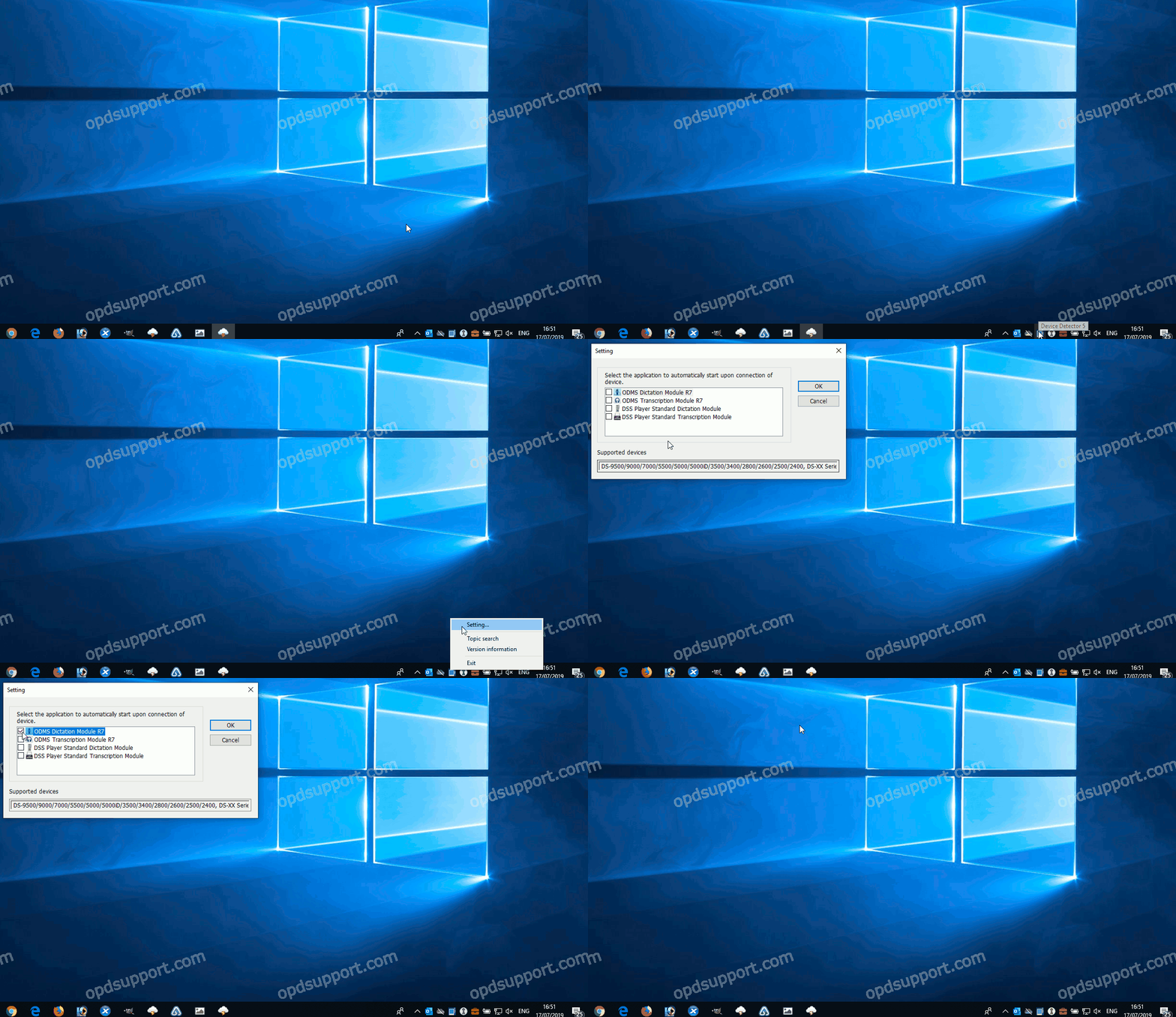
- Locate the Device Detector in the system tray

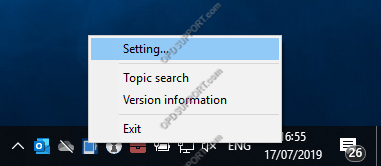
- Right click the Device Detector and click on Setting
- Tick an application to launch or untick the application and click OK.
- Connect a recorder to test the function