
How to enable comments in the ODMS software.
Open the software. Press the In-Line Edit button in the top right of the Olympus software highlighted in the image. Alternatively you can click on View then click on In-Line Edit.
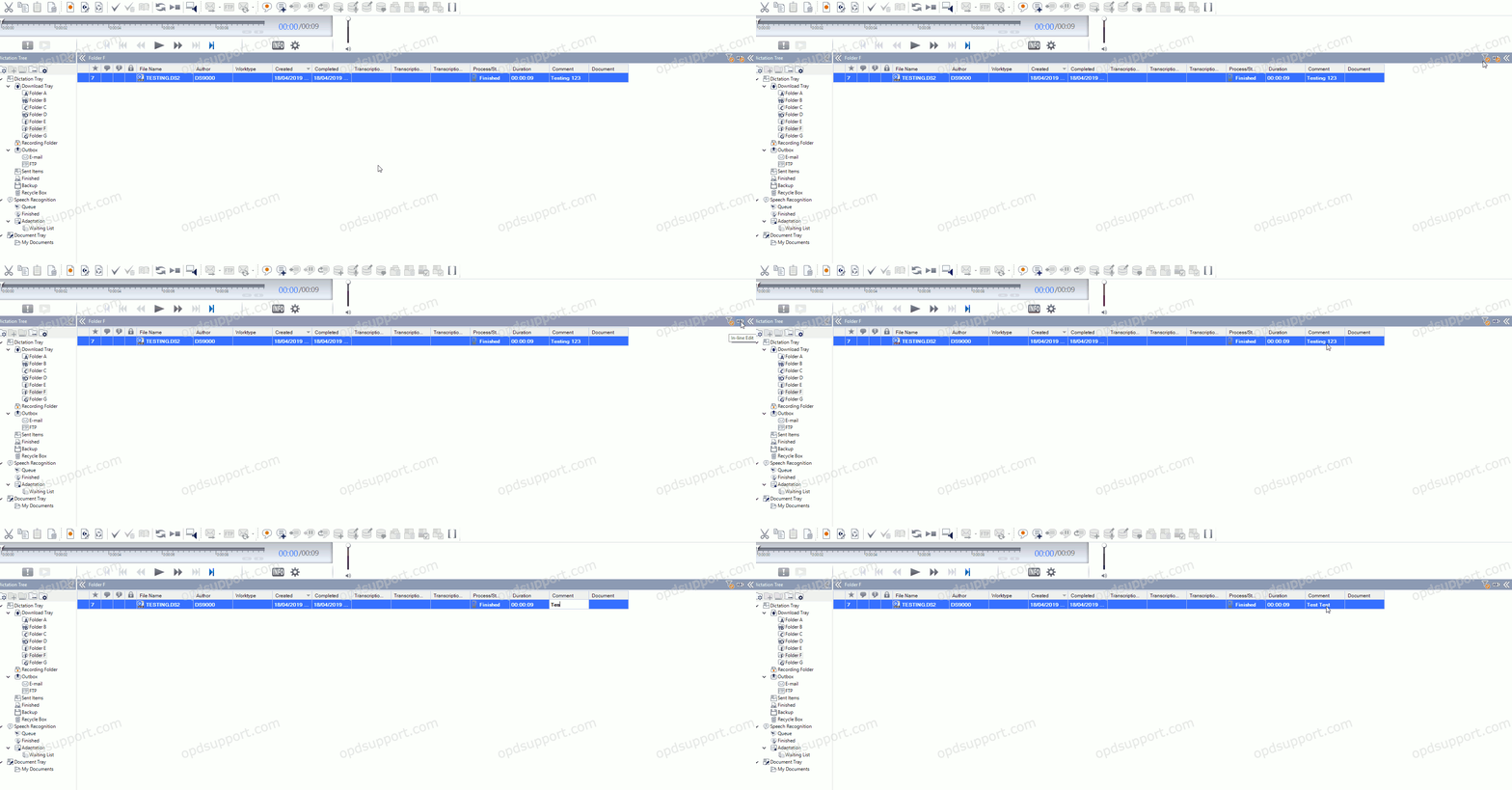
Now double click on the comment box to make your comment.