
SpeechControl software download
-
To check, or to upgrade the firmware, you first need to install SpeechControl (Philips Device Control Center).
-
You can download the latest SpeechControl software (Windows or Mac edition) from the following link: www.dictation.philips.com/speechcontrol
Firmware check
To check the installed firmware proceed as follows:
-
Connect your device to the computer.
-
Start Philips Device Control Center:
-
If the option to start the Philips Device Control Center automatically was selected during installation, open the program by clicking the
 icon in the notification area of the Windows task bar.
 -
To manually start the program, open the Windows start menu in Windows and select Philips Speech Control > Philips Device Control Center.
-
-
Check whether your device is selected in the Active device drop down menu.
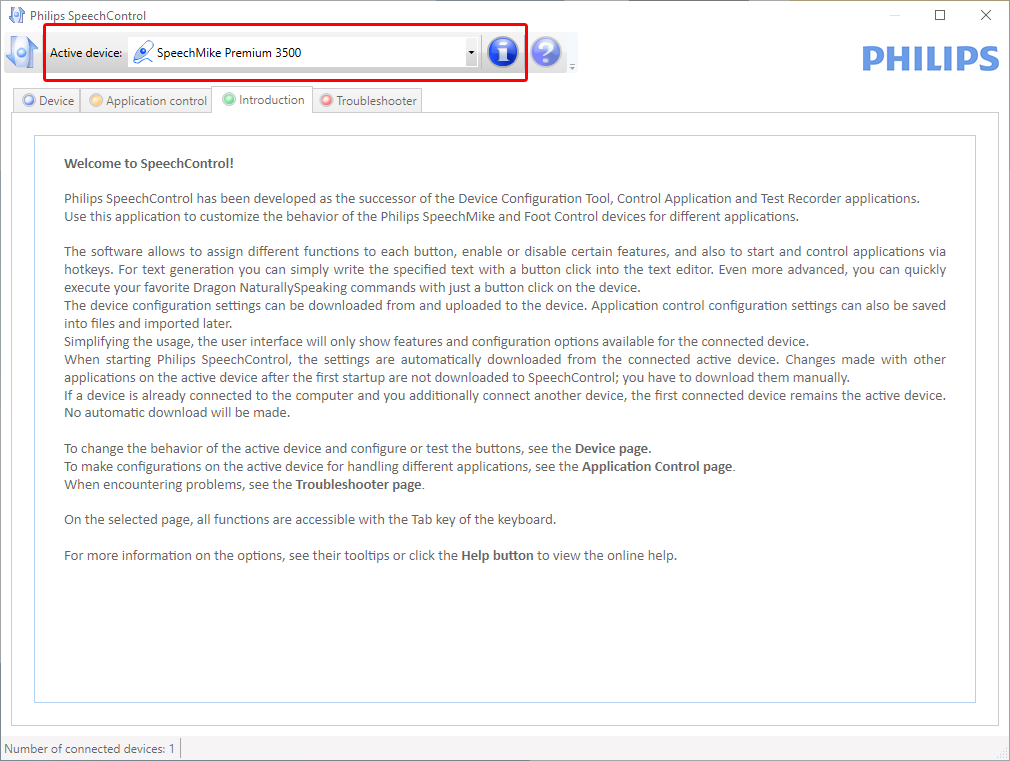
-
Click on the
 button to retrieve information about the selected device. SpeechControl displays the installed firmware version in the Device details.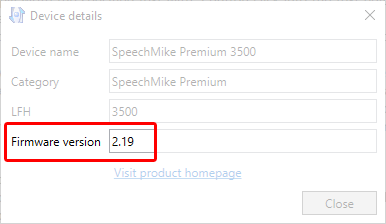
Firmware upgrade
-
Connect your device to the computer.
-
Start Philips Device Control Center:
-
If the option to start the Philips Device Control Center automatically was selected during installation, open the program by clicking the
icon in the notification area of the Windows task bar. -
To manually start the program, open the Windows start menu in Windows and select Philips Speech Control > Philips Device Control Center.
![[Note]](https://www.speechlive.com/fileadmin/helpdesk-paligo/css/image/note.png)
Note Make sure that you're using the latest version of Philips Device Control Center.
-
-
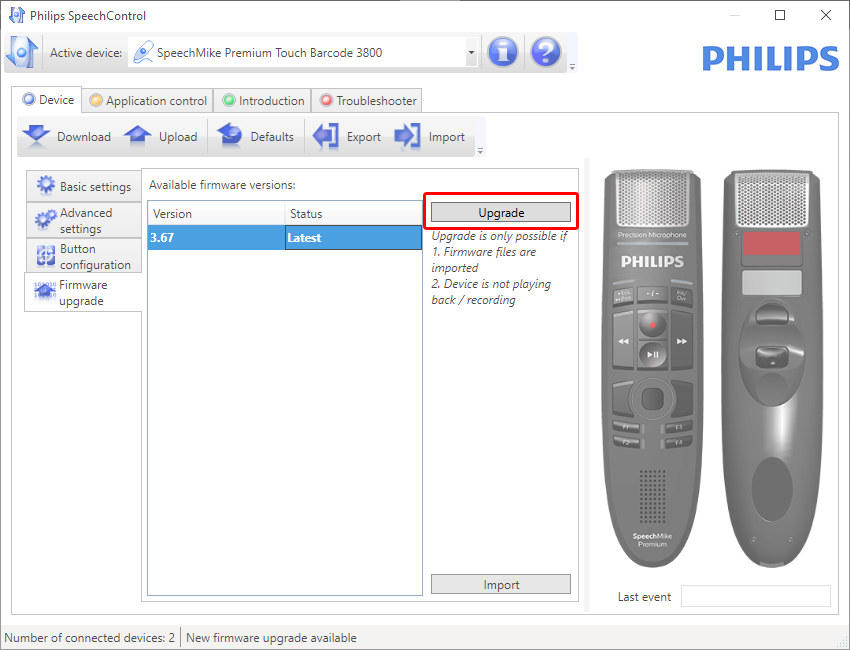
On the Device tab, click on Firmware upgrade.
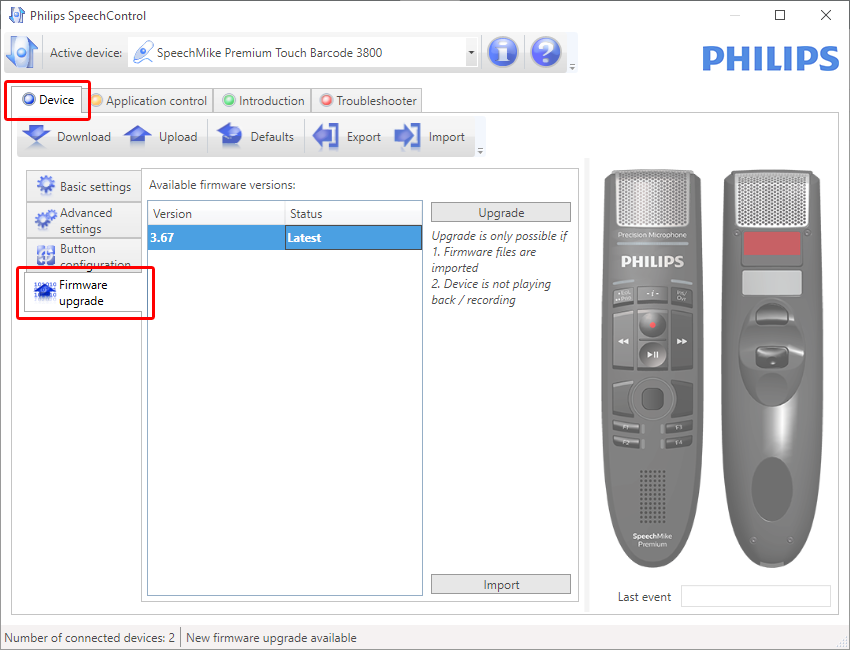
-
Click on the desired upgrade version from the Available firmware versions list.
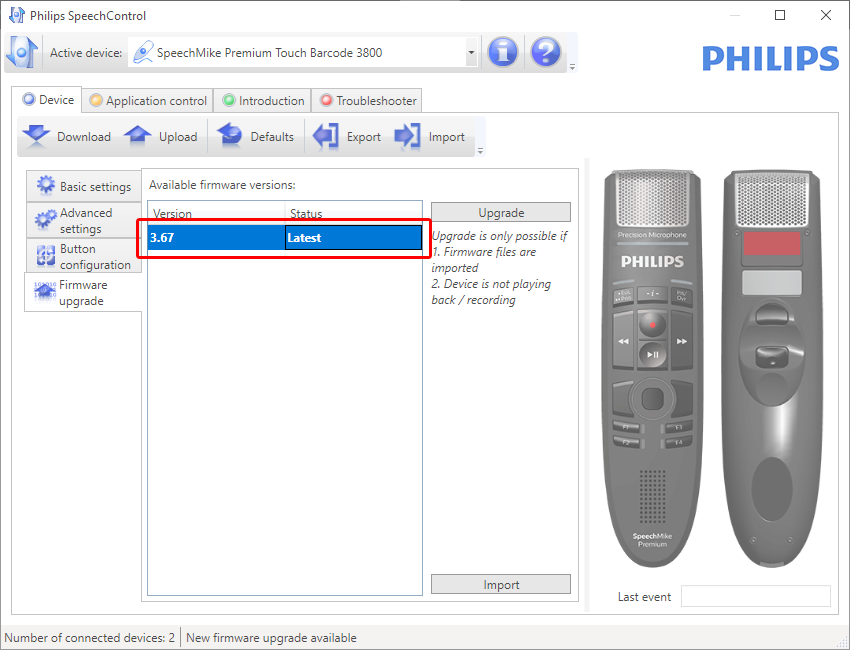
-
Click the Upgrade button.
-
Choose Yes, upgrade the device to install the new firmware.
-
Run the firmware upgrade
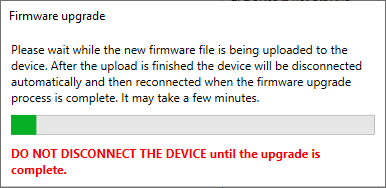
During the firmware upgrade this dialog box is displayed until the firmware upgrade is finished
-
When the firmware upgrade box has disappeared the device is ready to use again.